Summary: FreeAndroidVPN offers free VPN servers across Norway. Access NRK, TV 2 Play, and Viaplay with a Norwegian IP. Watch Eliteserien football and Norwegian content securely.
Access Norwegian content with our free Norway VPN server. Get a Norwegian IP instantly with FreeAndroidVPN. Stream NRK, watch Eliteserien, and browse with Norway's strong privacy framework.
Get a Norwegian IP address immediately without any registration process. Connect to our Norway servers and access Norwegian content instantly.
Watch NRK TV and NRK Super right after installation. No BankID needed for free Norwegian streaming.
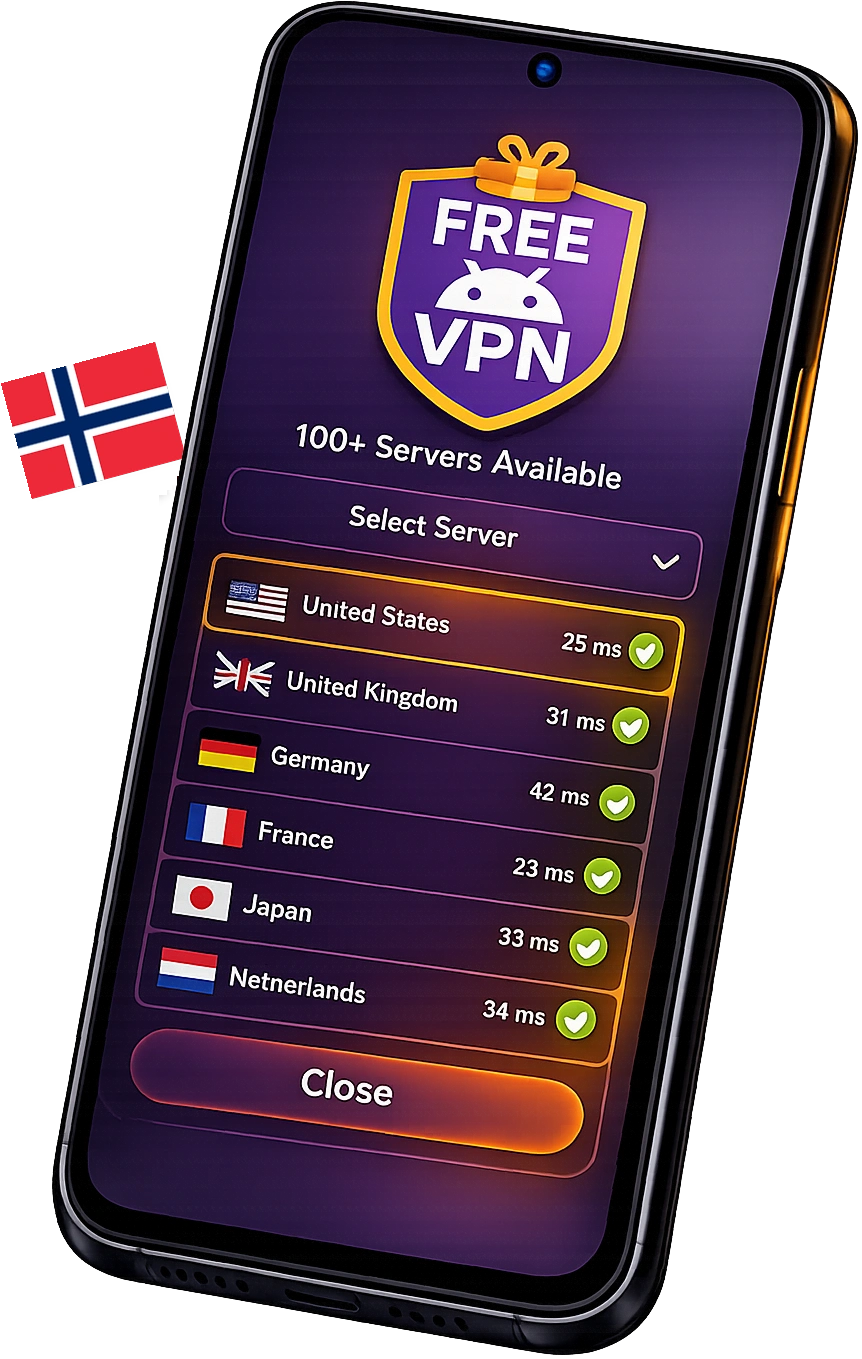
Access servers in Oslo, Bergen, Trondheim, Stavanger, Tromsø without registration barriers. Browse all 534 server locations and choose the fastest Norwegian location for your needs.
Browse Norwegian websites and services anonymously. We don't track your activities or require personal information for Norway VPN access. See our no-logs privacy policy.
Download, install, and connect to Norway servers immediately. No registration barriers between you and Norwegian content.
Unlock the full potential of Norwegian internet with FreeAndroidVPN's optimized Norway VPN servers

Norway VPN is optimized for NRK TV, TV 2 Play, Viaplay, and Discovery+ Norway. Perfect for Norwegian content and winter sports fans.

Access Norwegian websites, DNB and Nordea banking, and Altinn government portal with a Norwegian IP.

Reduce latency on EU North gaming servers. Norway has one of Europe's highest gaming participation rates.
Norway has strong constitutional privacy rights. Our VPN adds encryption beyond what Norwegian law provides.

Stay protected on Norwegian public WiFi networks in cafes, airports, and hotels across Norway with encrypted VPN connection.

Connect in seconds to our high-speed Norway VPN server with one tap. Get a secure Norwegian IP on Android instantly — no setup, no technical skills needed.
Get your free Norwegian IP address instantly with FreeAndroidVPN
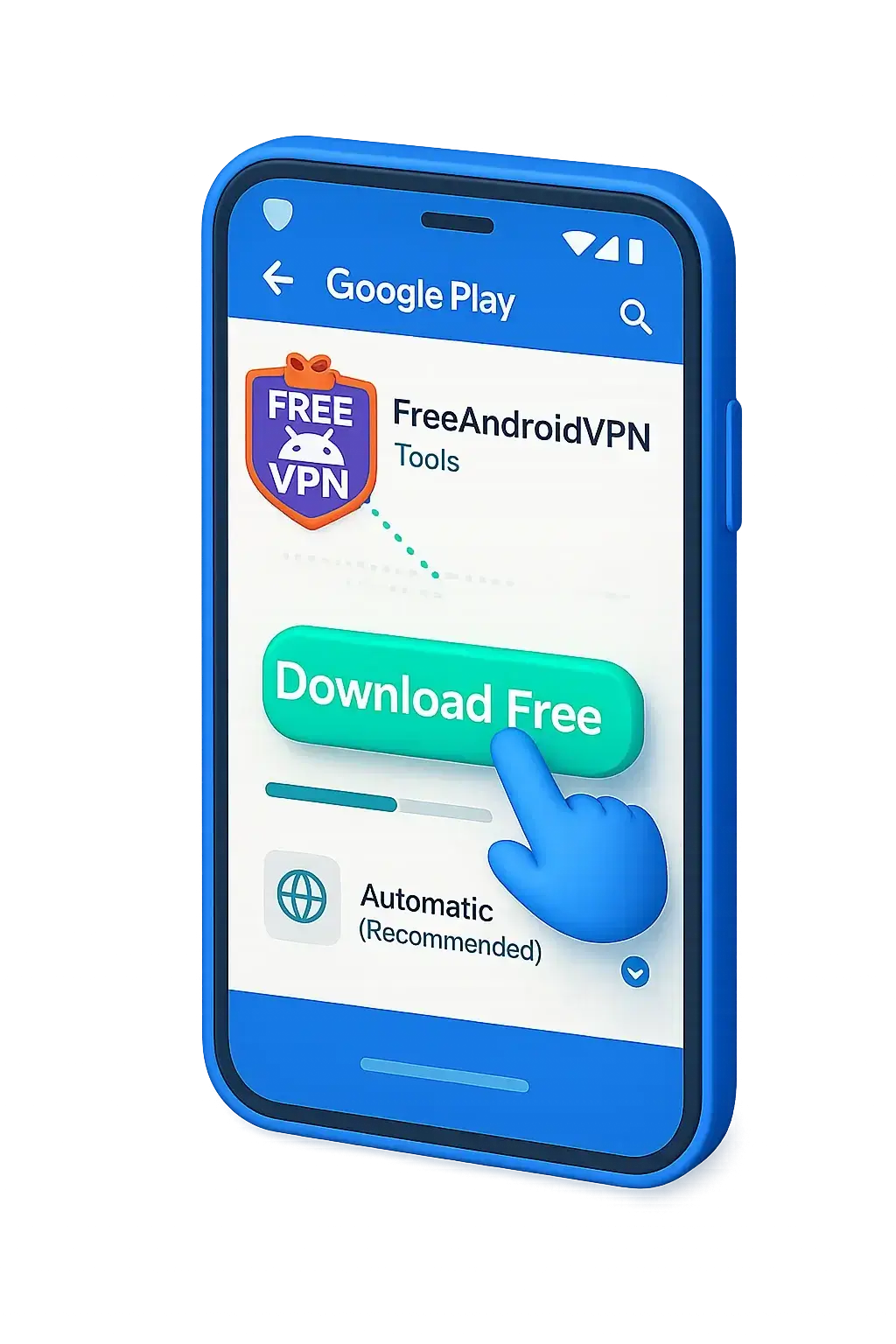
Get our free VPN app from Google Play Store or our official download page. No registration required.
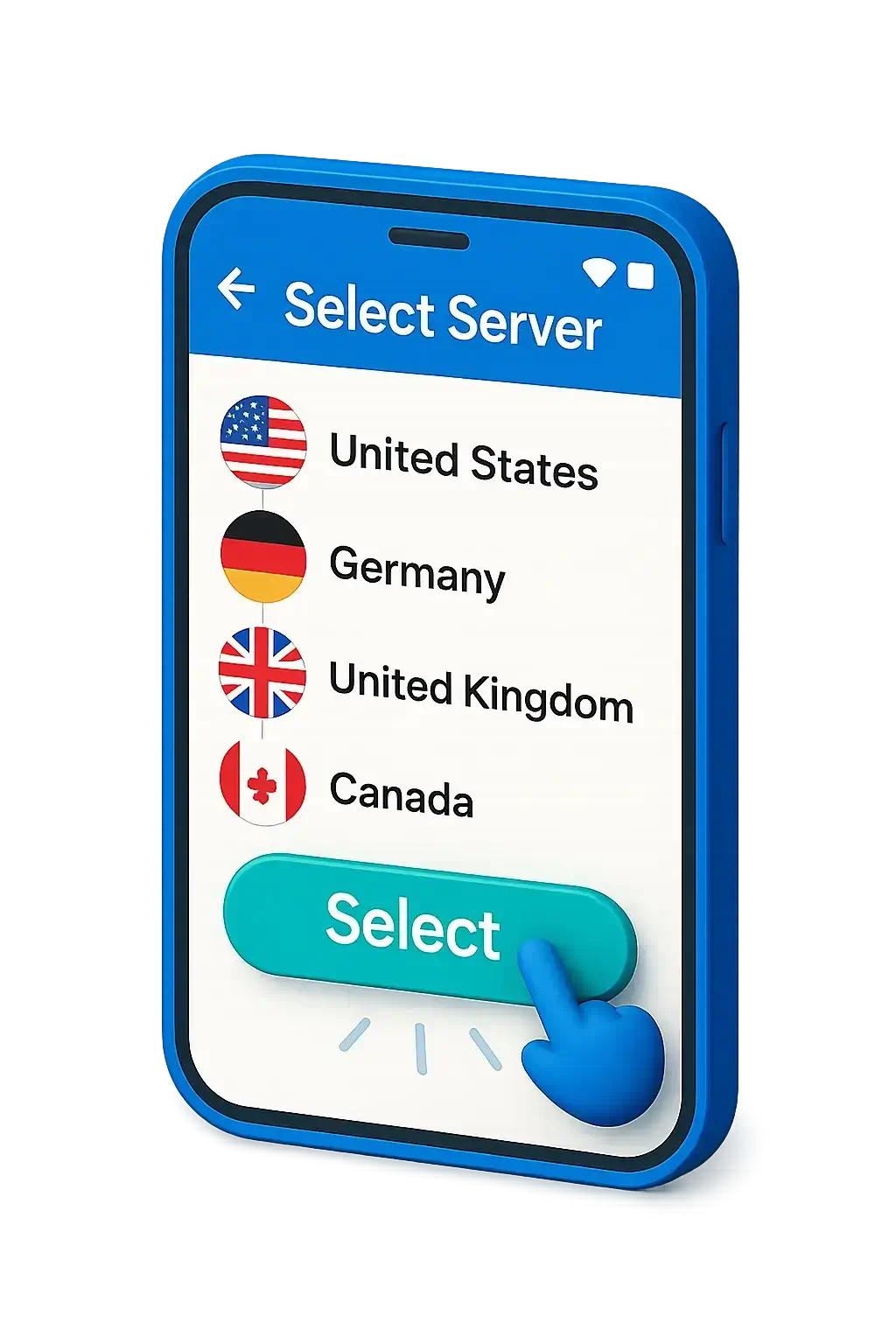
Open the app and choose Norway from our server list of 152 countries. Multiple Norwegian server locations available including Oslo, Bergen, Trondheim, Stavanger, Tromsø.
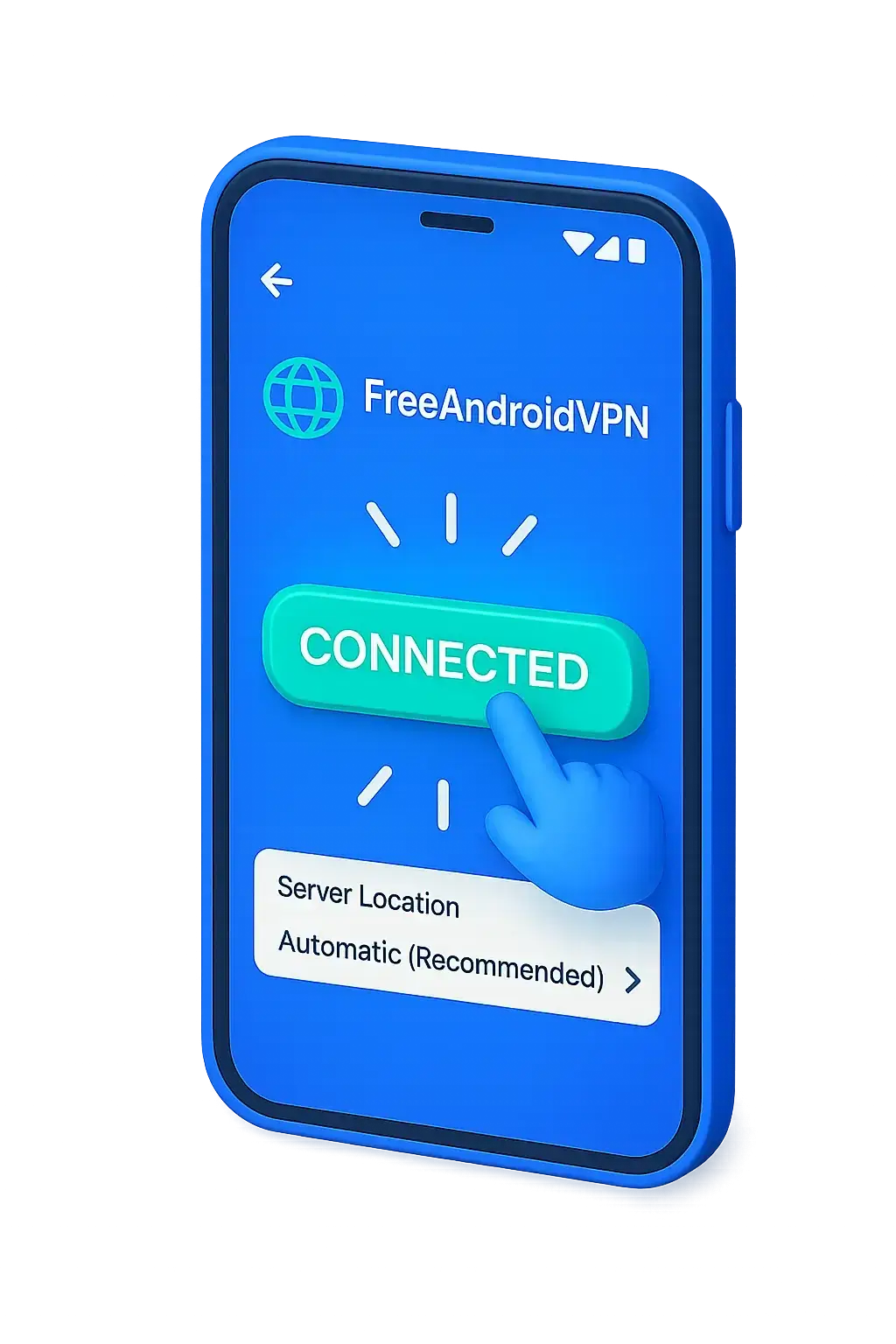
Tap connect and instantly get a Norwegian IP address. Access all Norwegian content securely.
Why FreeAndroidVPN Norway server is your best choice for Norwegian internet access
Unblock NRK, TV 2 Play, Viaplay Norway, and Discovery+ Norway from anywhere. Download now.
Access Komplett.no, Finn.no, CDON.no, and Elkjøp with Norwegian Krone pricing.
Read VG, Dagbladet, Aftenposten, and watch NRK Nyheter without restrictions.
Connect to Nordic gaming servers from Norway. Check all server locations.
Protect your data on Norwegian public WiFi networks with military-grade encryption.
Browse Norwegian websites anonymously without being tracked by Norwegian ISPs or advertisers. Read our privacy policy to learn more.
Join thousands of users enjoying free Norway VPN access with FreeAndroidVPN
Compatibility: Android 5.0+ (Lollipop and above)
Norwegian Servers: Oslo, Bergen, Trondheim, Stavanger, Tromsø | Speed: Unlimited 10Gbps
Why our free Norway VPN outperforms paid alternatives in 2026
| Feature | FreeAndroidVPN Norway | Other Norway VPNs |
|---|---|---|
| Free Norwegian IP Address | Yes | No |
| Unlimited Bandwidth | Yes | No |
| Multiple Norwegian Server Locations | Yes | No |
| No Registration Required | Yes | No |
| Norwegian Streaming Optimized | Yes | Unknown |
Rated 4.8/5 by 12,500+ users worldwide
Everything you need to know about using FreeAndroidVPN Norway server in 2026
Yes! FreeAndroidVPN Norway server is 100% free. Servers in Oslo, Bergen, Trondheim, Stavanger, and Tromsø.
Optimized for NRK TV (free world-class content), TV 2 Play, Viaplay Norway, and Discovery+. Buffer-free streaming.
FreeAndroidVPN maintains multiple high-speed servers across Norway in Oslo, Bergen, Trondheim, Stavanger, Tromsø. All servers feature 10Gbps connections for maximum speed. You can select your preferred Norwegian city in the app for optimal performance based on your location and needs.
Absolutely. AES-256 encryption. Norway has strong privacy laws but participates in NATO intelligence sharing. Our no-logs policy adds defense-grade privacy.
Premium at 10Gbps. Norway averages 220 Mbps with excellent fiber — among the world's fastest. Our Oslo server connects to NIX, Norway's internet exchange.
Yes, NRK TV offers excellent free content but is geo-locked to Norwegian IPs. Our Norway VPN restores access to NRK's entire catalog including slow TV, Skam, documentaries, and live winter sports coverage.
NRK is consistently ranked among the world's best public broadcasters. NRK TV offers an extraordinary free catalog — from Slow TV (Bergensbanen, Hurtigruten) to hit series like Skam and Exit. NRK's winter sports coverage of biathlon, cross-country skiing, and ski jumping is unmatched. All geo-locked to Norwegian IPs.
Norway has excellent constitutional privacy protections and enforces GDPR via Datatilsynet (Norwegian Data Protection Authority). However, Norway participates in NATO intelligence sharing and PST (Police Security Service) has digital surveillance capabilities. A VPN provides privacy beyond these frameworks.
Norway offers some of the world's best free public broadcasting:
Norway dominates winter sports globally. NRK provides unmatched live coverage of biathlon, cross-country skiing, ski jumping, and alpine skiing. Holmenkollen events, the Birkebeinerrennet, and World Cup events receive full NRK coverage — exclusively available with a Norwegian IP.
Watch Eliteserien on Discovery+. NRK broadcasts biathlon, skiing, and Norwegian national team football free.
DNB, Nordea, SpareBank 1, and Vipps mobile payments may restrict foreign access. Keep banking with an Oslo server.
Experience Norway's famous Slow TV — Bergensbanen train journey, Hurtigruten ship voyage — exclusively on NRK TV.
Our Oslo server connects to NIX (Norwegian Internet Exchange). Sub-4ms domestic latency and excellent routing to all Nordic countries. Bergen serves Western Norway, while Tromsø provides connections for Northern Norway and Arctic regions.
Paid VPNs charge $8-12/month for Norwegian servers. FreeAndroidVPN provides identical access to all Norwegian content completely free. Our Oslo server delivers the same streaming, privacy protection, and banking access as premium competitors.
Oslo, Bergen, Trondheim, Stavanger, Tromsø
NRK TV — world-class free content (Norwegian IP required)
GDPR + Datatilsynet — NATO intelligence participation
220 Mbps (Nkom 2026) - Premium fiber and 5G
Eliteserien, Biathlon, Cross-Country Skiing, Handball
Norwegian Krone (NOK)
Join thousands of satisfied users enjoying unlimited access to Norwegian content with FreeAndroidVPN