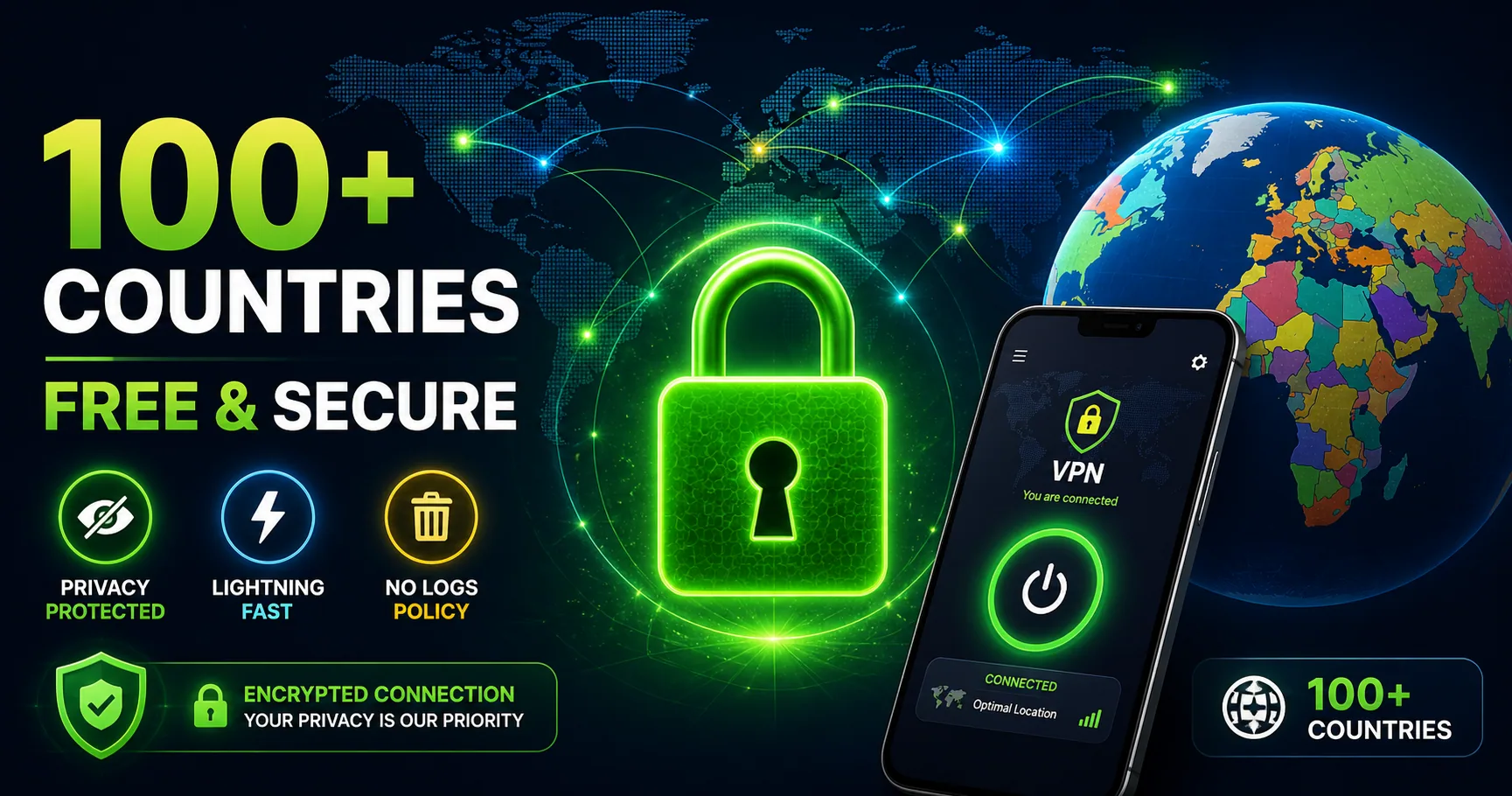
Tired of paying for VPN services that constantly track your data and limit your bandwidth? Discover the ultimate solution: a completely free VPN for Android that protects your privacy across 149 countries worldwide, with zero registration required and military-grade security built-in.
In today’s digital landscape, online privacy has become more critical than ever. Whether you’re concerned about ISP tracking, want to access geo-restricted content, or simply need to secure your connection on public Wi-Fi networks, a reliable VPN for Android is no longer optional—it’s essential. But here’s the good news: you don’t need to spend a fortune on premium VPN services when you can get enterprise-level protection completely free.
Why You Need a Free VPN for Android in 2026
Android devices have become primary targets for cybercriminals due to their widespread use globally. Every time you connect to public Wi-Fi at airports, coffee shops, or hotels, your personal information—banking credentials, passwords, private messages—becomes vulnerable to interception. A VPN acts as an impenetrable digital shield, encrypting your entire connection and masking your real IP address.
The Reality of Free VPNs vs. Premium Services
You might wonder: “Can I really trust a free Android VPN?” The answer is a resounding yes, when you choose the right provider. While some free VPNs compromise security or sell user data to third parties, legitimate free VPN services operate on a different business model—they monetize through scale and operational efficiency, not through exploiting users.
What Makes Our Free Android VPN Different
Unlike typical free VPN applications that bombard you with ads or limit functionality, our free Android VPN offers:
- **Completely Free Access**: Download and use without any hidden costs, premium tiers, or credit card requirements
- – **149 Countries**: Access servers spanning North America, South America, Europe, Asia, Africa, and Oceania
- An email account is not required to connect in the app. Device identifiers still help restore balances, manage rewards and prevent abuse; no registration does not mean no data processing.
- – **Military-Grade Encryption**: AES-256 encryption (the same standard used by governments) secures every data packet
- The app provides a daily VPN allowance. Optional rewarded videos, referrals and eligible in-app rewards can add time. Check your balance and the current reward terms in the app; installing it does not automatically give unlimited connection time.
- The app processes device identifiers, time and referral records, connection diagnostics and support information to operate the service. Advertising and Firebase services have their own data practices. Read the Privacy Policy and use the app’s advertising privacy controls.
How to Download and Install Free VPN on Android
Getting started with our free Android VPN is remarkably simple. Here’s the complete installation guide:
Step 1: Download from Google Play Store
Open your Android device’s Google Play Store and search for “Free Android VPN” or visit our official store page. Tap the “Install” button—the app downloads in seconds since it’s optimized for minimal file size.
Step 2: Launch and Start Using (No Account Setup!)
Once installation completes, simply open the app. You won’t encounter login screens, email verification, or account setup wizards. The intuitive dashboard appears immediately, displaying:
- A large central connection button (currently displaying your disconnected status)
- – Server selection panel with all 149 countries
- – Real-time speed monitoring (Upload/Download speeds in KB/s)
- – Current connection status and encrypted data volume
Step 3: Select Your Preferred Server Location
Tap the server selection panel to view our complete global network. You can:
- Browse all 149 available countries alphabetically
- Speed and connection time depend on your network, server load and the route. Test a nearby location for everyday browsing. If traffic does not work, disconnect and try another listed profile.
- Read current ratings and user reviews on the official Google Play listing, including critical feedback.
- – Filter servers by region (North America, Europe, Asia, etc.)
Step 4: Connect with One Tap
Select your preferred country and tap the central connection button. That’s it! Within seconds, you’ll see:
- The button turns vibrant green with “Connected” status
- – A small lock icon appears in your Android status bar
- – Your IP address is now hidden and your connection is fully encrypted
The Benefits of Using Free VPN on Android
1. Secure Public Wi-Fi Browsing
Public Wi-Fi networks are cybercriminals’ favorite hunting ground. Airport lounges, coffee shops, and hotel networks lack proper security measures. Our free Android VPN encrypts your traffic so that even on unsecured networks, your sensitive information remains protected.
2. Access Geo-Restricted Content
Content streaming services often limit availability by geographic location. With servers in 149 countries, you can change your virtual location and access content that may be restricted in your physical location.
3. Prevent ISP Throttling
Many Internet Service Providers monitor your browsing activity and intentionally slow your connection (throttle) for bandwidth-intensive activities like streaming. A VPN masks your activity from your ISP, preventing this throttling.
4. Anonymous Browsing
Your real IP address reveals your approximate location and personal information. A VPN encrypts traffic between your device and the VPN server. Continue using HTTPS and normal account security. A VPN does not guarantee anonymity, remove every threat or control how websites handle your information.
5. Secure Banking and Shopping
When conducting financial transactions on your Android device, encryption is paramount. Our military-grade encryption ensures your banking credentials and payment information remain inaccessible to interceptors.
6. Protect Sensitive Communications
Private messages, emails, and confidential documents are encrypted and unreadable to anyone attempting to intercept them—whether hackers, ISPs, or network administrators.
Advanced Features of Our Free Android VPN
Kill Switch Technology
Our integrated kill switch immediately disconnects your internet if the VPN connection drops, preventing unencrypted data transmission.
OpenVPN connections
The current app uses OpenVPN. Encryption and connection options depend on the selected server profile. The app does not currently offer WireGuard or IKEv2.
Split Tunneling
Route only specific apps through the VPN while others use your regular connection, optimizing both security and bandwidth usage.
Auto-Connect on Wi-Fi
Configure the app to automatically connect to VPN whenever you join an unrecognized Wi-Fi network.
Bandwidth Usage Monitoring
Track real-time data usage and cumulative statistics with built-in monitoring tools.
Common Questions About Free VPN for Android
Is a Free VPN Safe to Use?
The app processes device identifiers, time and referral records, connection diagnostics and support information to operate the service. Advertising and Firebase services have their own data practices. Read the Privacy Policy and use the app’s advertising privacy controls.
Why Is This VPN Completely Free?
We believe digital privacy is a fundamental right, not a luxury. Our business model focuses on providing secure services to as many users as possible rather than extracting maximum profit from each user. We achieve sustainability through operational efficiency.
Can I Really Browse Anonymously?
A VPN encrypts traffic between your device and the VPN server. Continue using HTTPS and normal account security. A VPN does not guarantee anonymity, remove every threat or control how websites handle your information.
Does Using VPN Slow Down My Internet?
Speed and connection time depend on your network, server load and the route. Test a nearby location for everyday browsing. If traffic does not work, disconnect and try another listed profile.
Is the App Compatible with My Android Device?
The published release is FreeAndroidVPN 3.1.15 (40), supporting compatible Android 7.0+ ARM phones and tablets. Device and regional availability can vary. Google Play is recommended for automatic updates.
What Data Does the App Collect?
The app processes device identifiers, time and referral records, connection diagnostics and support information to operate the service. Advertising and Firebase services have their own data practices. Read the Privacy Policy and use the app’s advertising privacy controls.
Can I Use VPN for Streaming?
Streaming services and other websites can restrict VPN exits. A successful VPN connection does not guarantee access to a particular service, catalogue or account. Follow the website’s rules and check access yourself.
Why Should I Trust This Over Paid VPNs?
Paid services don’t guarantee better security. What matters is transparent privacy policies, proven security infrastructure, and user reviews. Our free Android VPN delivers all three, which is why thousands of users trust it daily.
Best Practices for Maximizing Your Free Android VPN
Choose Geographically Optimal Servers
Speed and connection time depend on your network, server load and the route. Test a nearby location for everyday browsing. If traffic does not work, disconnect and try another listed profile.
Monitor Connection Quality
Use the built-in speed monitoring to verify your connection quality. If speeds drop significantly, try switching to a different server.
Enable Auto-Connect
Configure auto-connect to automatically activate the VPN on all unsecured Wi-Fi networks.
Update Regularly
Keep the app updated to receive the latest security patches and performance improvements.
Combine with HTTPS
VPN encryption plus HTTPS-only browsing provides defense-in-depth protection for maximum security.
Download Your Free Android VPN Today
The app provides a daily VPN allowance. Optional rewarded videos, referrals and eligible in-app rewards can add time. Check your balance and the current reward terms in the app; installing it does not automatically give unlimited connection time.
Your online privacy is invaluable. Protect it today with absolutely zero cost and zero hassle.
[Download Free Android VPN from Google Play Store]