스트리밍

How to Watch Netflix from Any Country on Android (Free VPN, 2026)

Watch Netflix from any country on Android with a free VPN
Switch your Netflix region in about three minutes — no payment, no signup.
Quick answer: To watch Netflix from another country on Android, install a free VPN like FreeAndroidVPN, connect to a server in the country whose library you want (for example the United States, UK, Japan, or Canada), then force-close and reopen the Netflix app. Your catalog instantly switches to that region. It’s free, takes about three minutes, and requires no registration — you only need your existing Netflix account.

📲 Download FreeAndroidVPN Free — Unlock 149 Countries

Why Netflix Shows Different Movies in Different Countries

If a friend abroad recommends a show you can’t find, you’re not imagining it. Netflix has a separate catalog for every country. This happens because Netflix doesn’t own most of the films and series it streams — it licenses them, and those licensing deals are signed region by region. A studio might sell US streaming rights to Netflix but sell the UK rights to a different platform, so the same title appears in one country and vanishes in another.

The result is that the US Netflix library is usually the biggest, Japan is a haven for anime, the UK carries British originals and BBC co-productions, and India, Canada, Australia and others each have their own unique mix. When you travel — or simply want a show that isn’t in your country — you’re locked to wherever Netflix thinks you are, based on your IP address.

That last part is the key. Netflix decides your region from your IP address. Change your IP to another country and Netflix shows you that country’s catalog. That’s exactly what a VPN does.

How a VPN Changes Your Netflix Region

A VPN (Virtual Private Network) routes your phone’s internet traffic through a server in another country and gives you an IP address from that location. To Netflix, you now appear to be physically in that country, so it serves you the local library. On top of that, the connection is encrypted with AES-256 — the same standard banks and governments use — so your ISP and anyone on public Wi-Fi can’t see what you’re streaming.

For Android users this is the easiest streaming trick there is: one app, one tap, a new country.

How to Watch Netflix from Any Country on Android — Step by Step

The whole process takes about three minutes. Here’s exactly what to do:

Step 1 — Install a free VPN (no signup)

Download FreeAndroidVPN from Google Play and open it. There’s no account to create and no email required — you can connect immediately. Unlike most “free” VPNs that cap you at 500 MB a day, FreeAndroidVPN gives you unlimited streaming time through its rewards system.

Step 2 — Connect to the country you want

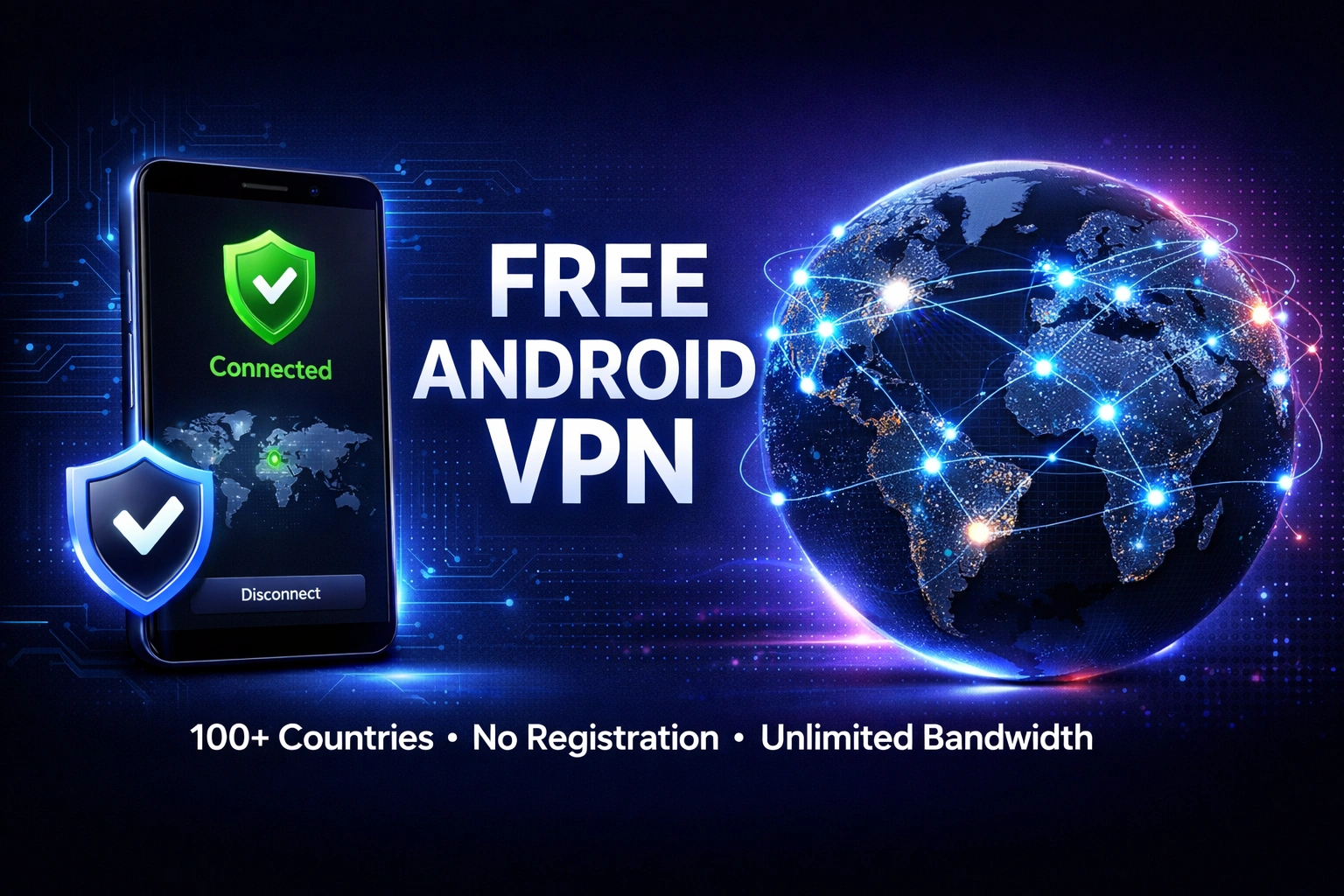
Tap the country list and pick the catalog you’re after. Want the full US library? Choose United States. Want anime? Choose Japan. Then tap Connect and wait for the green “Connected” status. FreeAndroidVPN has 524 servers across 149 countries, so almost any Netflix region you can think of is one tap away.

Step 3 — Reopen Netflix and refresh

This is the step most people skip — and it’s why they think the VPN “didn’t work.” After connecting:

  • Fully close the Netflix app (swipe it away from recent apps).
  • Go to Settings → Apps → Netflix → Storage → Clear cache.
  • Reopen Netflix and browse — the catalog now matches your VPN country.

Tip: search for a title you know is only in that region (for example a US-only film) to confirm the region actually switched.

🎬 Get FreeAndroidVPN & Start Streaming Free

Best Netflix Regions to Switch To

Not sure where to point your VPN? Here are the most popular Netflix catalogs and what they’re known for:

Country Best for Highlights
🇺🇸 United States Biggest overall library Most originals, films & exclusives
🇯🇵 Japan Anime fans Largest anime selection on Netflix
🇬🇧 United Kingdom British TV BBC co-productions, UK comedy & drama
🇨🇦 Canada Balanced mix US-style catalog plus international titles
🇰🇷 South Korea K-dramas Earliest access to Korean originals
🇦🇺 Australia Oceania exclusives Titles not licensed elsewhere
💡 Pro tip: If a show isn’t in one country, don’t give up — try two or three regions. The same title is often licensed somewhere. FreeAndroidVPN lets you switch countries as many times as you like, for free.

Fixing the Netflix Proxy Error (m7111-5059)

Sometimes Netflix shows: “You seem to be using an unblocker or proxy… (Error code: m7111-5059).” This just means Netflix recognized that server as a VPN. It’s common and easy to get past:

  • Switch servers: pick a different server in the same country and reconnect.
  • Clear the Netflix cache again after switching (Settings → Apps → Netflix → Clear cache).
  • Restart the app fully before reopening.
  • Prefer real, physically-located servers — FreeAndroidVPN’s US, UK, Canada, Japan and Australia servers are physically in those countries, which Netflix trusts far more than virtual datacenter IPs.

Because FreeAndroidVPN has many servers per country, if one is flagged you simply hop to the next.

Is It Legal and Safe to Use a VPN with Netflix?

Using a VPN is legal in almost every country in the world, and watching Netflix through one is not a crime. It does technically go against Netflix’s terms of service, but in practice the worst that happens is Netflix blocks that particular server and shows you its standard catalog — nobody gets their Netflix account banned for using a VPN. Millions of travellers and expats do exactly this every day to keep watching their home library while abroad.

On the safety side, a good VPN actually protects you: FreeAndroidVPN uses AES-256 encryption, keeps no activity logs, and requires no registration, so there’s no personal data to leak. On public Wi-Fi — hotels, airports, cafés — that encryption stops snoops from seeing your traffic.

Free vs. Paid VPN for Netflix: What’s the Catch?

Paid VPNs charge $10–13 a month largely for streaming reliability. A free VPN can absolutely unblock Netflix — the difference is usually speed caps, data limits, and how quickly blocked servers are refreshed. Here’s an honest comparison:

Feature Typical free VPN FreeAndroidVPN Paid VPN
Price Free Free $10–13 / mo
Data limit ~500 MB/day Unlimited (via rewards) Unlimited
Countries 3–5 149 60–100
Registration Often required None Required
Encryption Varies AES-256 AES-256

For Android users who want to switch regions and stream without paying, a strong free option covers the job — and you can always test it in seconds since there’s nothing to sign up for.

Bonus: Watch on a Smart TV Using Your Phone

Netflix region tricks aren’t just for the small screen. You can share your phone’s VPN connection to a TV or laptop:

  • Connect FreeAndroidVPN on your Android phone.
  • Turn on the phone’s Wi-Fi hotspot.
  • Connect your Smart TV, laptop, or console to that hotspot — they now inherit the VPN’s country.

It’s the simplest way to get region-switched Netflix on devices that don’t support VPN apps directly.

🌍 Unlock 149 Netflix Regions — Download Free

Frequently Asked Questions

Can I watch Netflix from another country for free?

Yes. Install a free VPN such as FreeAndroidVPN, connect to a server in your chosen country, and reopen the Netflix app. Changing the region costs nothing — you only need your existing Netflix account.

Why does Netflix show different shows in different countries?

Netflix licenses content country by country, so each region has its own catalog. A title in the US may be missing in the UK or India because Netflix only holds the streaming rights for certain territories.

How do I fix the Netflix proxy error m7111-5059?

That error means Netflix detected a VPN. Switch to a different server in the same country, clear the Netflix app cache, and reconnect. Servers physically located in the target country unblock Netflix most reliably.

Will a free VPN slow down Netflix streaming?

Any VPN adds a little overhead, but a nearby, low-latency server streams smoothly in HD. Pick a server close to you geographically when speed matters, and switch servers if one feels slow.

Which country has the best Netflix catalog?

The United States generally has the largest library, Japan is best for anime, the UK for British originals, and Canada for a balanced mix. With a VPN you can switch between all of them anytime.

Is it legal to use a VPN with Netflix?

VPNs are legal in nearly every country, and using one with Netflix is not a crime. It may break Netflix’s terms of service, but accounts are not banned for it — Netflix simply blocks the server if it detects one.

Final Thoughts

Watching Netflix from any country on Android comes down to one thing: changing the IP address Netflix sees. A free VPN does that in three taps — install, connect, refresh — and opens up the US library, Japanese anime, British originals and 149 countries’ worth of catalogs without spending a cent. Combine that with AES-256 encryption and no registration, and you get more content and more privacy at the same time.

Ready to unlock every Netflix region? Download FreeAndroidVPN free and start streaming in minutes.

📲 Download FreeAndroidVPN — Free Forever